
Lindy vs. Gumloop: AI Assistant vs Workflow Builder

Kirjoittanut Alex Morgan
AgentCellar toimitus
AgentCellar
Ota OpenClaw käyttöön nyt
Katso, miten hosting, automaatio, maksut, tuki ja OpenClaw-toiminnot yhdistyvät yhdeksi hallinnoiduksi tuotekokemukseksi.
AI Takeaway
- Best quick answer: Lindy is better if you want an AI assistant for inboxes, meetings, CRM updates, follow-ups, and support work. Gumloop is better if you want visual AI workflows for research, scraping, enrichment, content, and data processing.
- Biggest difference: Lindy feels like delegating work to an assistant. Gumloop feels like designing a workflow that uses AI inside each step.
- Cost question: Gumloop may look cheaper at the entry point, but credit usage, run volume, and maintenance matter. Lindy costs more upfront but can take less setup for common assistant tasks.
- Hidden decision: A Lindy AI vs Gumloop comparison is also an AI agent vs workflow automation decision. If the job needs browser control, files, code, memory, and a private always-on environment, an AI agent workspace may be the better model.
Quick Verdict: The Real Difference Between Lindy and Gumloop
Lindy is best understood as an AI assistant for business work. You connect tools, describe what you want handled, and use it for recurring tasks such as email, scheduling, meeting follow-ups, CRM updates, lead routing, and support triage.
Gumloop is best understood as a visual AI workflow builder. You create flows from blocks: triggers, AI steps, scraping, document processing, enrichment, transformations, and app actions. It works well when you know the process and want to build it into a reusable system.
Among AI workflow automation tools, this is the practical AI assistant vs automation builder split. The Gumloop vs. Lindy answer is the same in reverse: if the work is a pipeline, Gumloop gets more interesting; if the work is a delegated responsibility, Lindy gets more interesting.
| If you want to... | Better fit |
|---|---|
| Delegate inbox, calendar, CRM, and support tasks | Lindy |
| Build a visible AI workflow or data pipeline | Gumloop |
| Prototype research, scraping, or enrichment flows | Gumloop |
| Get an assistant for follow-ups and coordination | Lindy |
| Run messy browser, file, code, or long-context work | AI agent workspace, like AgentCellar |
For the broader no-code AI automation category, this guide to no code automation tools separates app automation, workflow builders, and AI agents more clearly.
What Lindy Does Better
Inbox, Calendar, and Meeting Work
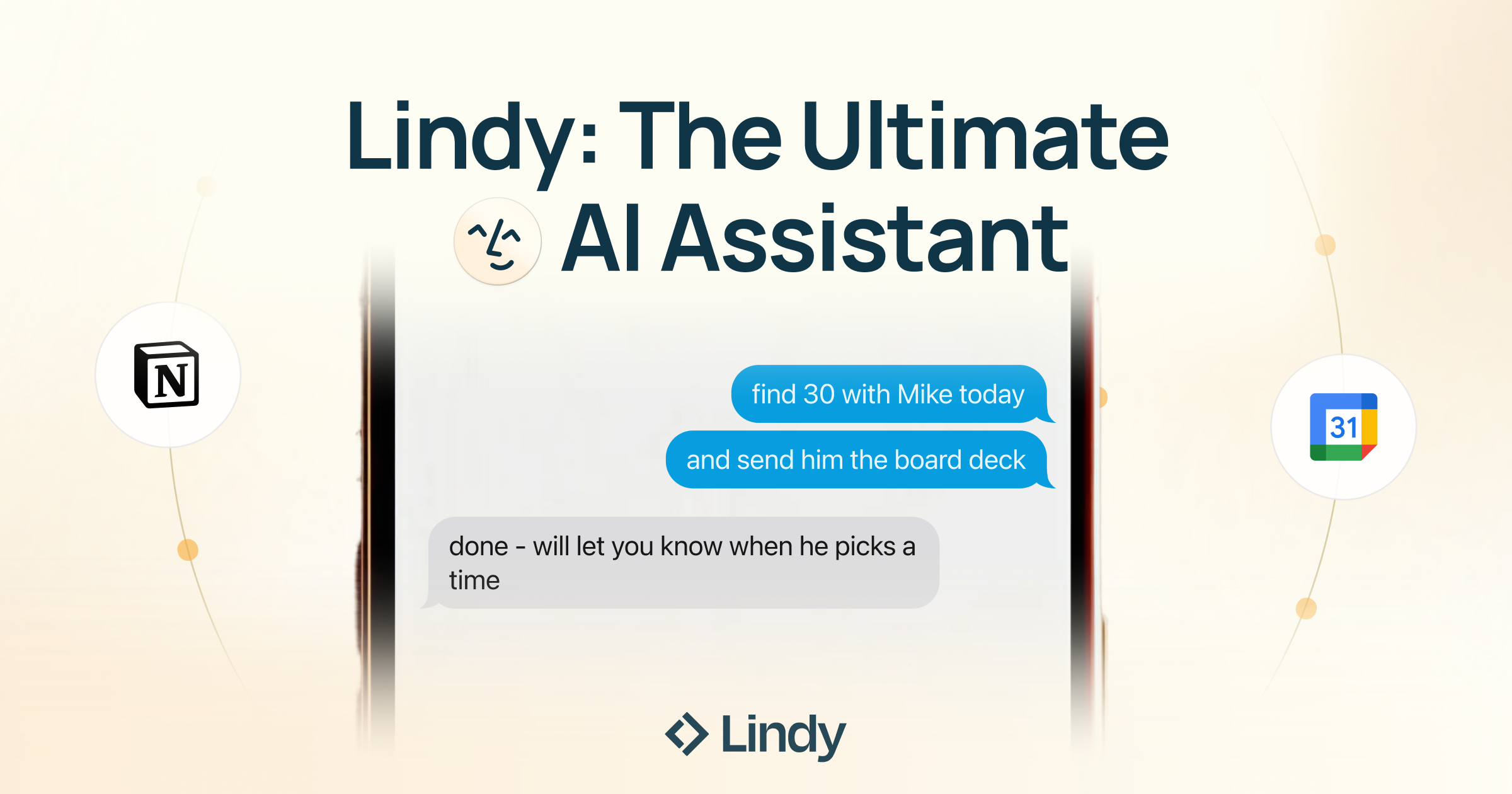 Lindy has the cleaner story for personal productivity and operator-style work. It makes sense when the job starts in email, calendar, meetings, CRM, Slack, or support tools: triage email, draft replies, prepare notes, summarize a call, remind you about follow-ups, update a CRM field, or route a customer request.
The benefit is speed. You do not always want to design a flowchart for a follow-up email or a meeting recap. Sometimes you want to say what should happen, connect the right accounts, and let the assistant handle the routine parts.
Business Tasks That Change Slightly Each Time
Lindy is also a strong fit when the inputs vary but the job is still recognizable: lead follow-up, support triage, recruiting coordination, sales operations, or client communication. The system can interpret the situation, choose the next step, and ask for approval when needed. The tradeoff is control: Lindy may feel less transparent than a workflow canvas.
What Gumloop Does Better
Visual AI Workflow Design
 Gumloop is stronger when the task has a shape you can build: scraping web pages, extracting structured data, classifying leads, summarizing documents, generating first drafts from research, analyzing spreadsheets, or sending outputs into another system. Gumloop is especially appealing when AI is not the whole product, but one useful step inside a larger workflow.
If your main use case involves collecting online information, this guide to best web scraping tools gives more context on when a scraper, workflow builder, or agent is the better fit.
Data Pipelines and Repeatable Internal Work
Gumloop is useful for marketing, growth, operations, and data-heavy teams because many of their tasks are pipeline-shaped:
- Take a list of companies.
- Enrich each company.
- Scrape public pages.
- Ask AI to summarize or classify.
- Push the final output to a sheet, CRM, or report.
That kind of workflow benefits from visible steps. You can test each part, adjust prompts, and improve the process over time. The downside is that you own the workflow. If a website changes, a prompt drifts, or a credit-heavy flow runs too often, you need to tune it.
Pricing, Setup, and Control
Pricing Is Really About Usage Shape
 Gumloop often looks attractive if you compare entry prices. Lindy tends to look more expensive because it is packaged more like an assistant subscription. But the better question is what the setup costs once it actually runs. For Gumloop, watch credits, runs, AI steps, scraping volume, list size, and retries. For Lindy, watch usage tiers, inbox limits, task volume, and whether your work fits its assistant patterns.
Setup Depends on How You Think
Lindy feels faster when the desired outcome is familiar: manage follow-ups, prepare meeting notes, triage requests, or keep CRM updated. Gumloop feels faster when you already know the exact process: take this input, scrape that source, classify the result, and send it here.
Control Comes With Maintenance
Gumloop gives more visible control, which helps with repeatability, auditing, and debugging. Lindy gives less wiring and more delegation. The trap is choosing control when you do not want to maintain it, or choosing delegation when the workflow actually needs strict rules.
AgentCellar tarjoaa täysin hallinnoidun OpenClaw (Clawdbot) -agentin — aina verkossa, ilman DevOps-työtä. Tilaukset alkaen 19 $/kk.
AloitaLindy vs. Gumloop by Use Case
Sales and Lead Follow-Up
Choose Lindy when sales work is mostly communication: replies, follow-ups, scheduling, CRM notes, handoffs, and reminders. Choose Gumloop when it is mostly data: sourcing leads, enriching companies, scraping websites, scoring fit, and preparing lists.
Marketing and SEO Workflows
Gumloop is stronger for research-to-output workflows: competitor scraping, content briefs, SEO checks, social calendars, and reporting. Lindy is better for campaign coordination, approvals, and recurring reminders.
If the goal is building an AI workflow around SEO research and content operations, the SEO AI agent use case shows how this kind of work can move from simple automation into agent-assisted execution.
Support and Operations
Lindy fits support triage, draft replies, escalation, and internal handoffs. Gumloop fits classification, routing logic, summaries, and reports.
The best setup may combine both ideas: a workflow handles predictable routing, while an assistant handles messages that need context.
Before You Decide: Workflow, Assistant, or AI Workspace?
The choice is not only Lindy or Gumloop. It is whether the work should be a workflow, an assistant task, or an AI workspace.
That is why many Lindy AI alternatives and Gumloop alternatives lists feel incomplete. A cheaper tool is not automatically a better replacement if it solves a different kind of work.
Workflows Are Best When the Path Is Known
Workflow automation is best when the process has a trigger, defined steps, conditions, and a predictable output. Gumloop belongs here. Use this model when the process should run the same way every time.
Assistants Are Best When the Job Is Familiar but Variable
Assistant work is best when the goal is familiar but the input changes. Lindy belongs here. It can make judgment calls inside a known business context, especially around communication and coordination.
AI Workspaces Are Best When the Agent Needs an Environment
Some work needs more than an assistant or a workflow canvas. It needs browser access, files, APIs, code context, memory across sessions, and the ability to keep running. This overlaps with open source AI agents, especially when the agent needs tools instead of just chat.
When an Always-On AI Agent Makes More Sense
The Work Does Not Fit a Clean Flowchart
Some tasks are hard to pre-wire:
- Research these competitors and keep updating the report.
- Monitor this page and tell me when something important changes.
- Review this repo and create a practical task list.
- Check these files, rename them, convert them, and summarize the result.
These jobs need inspection, judgment, and action across browser tabs, files, tools, APIs, and notes.
The Agent Needs a Private, Persistent Computer
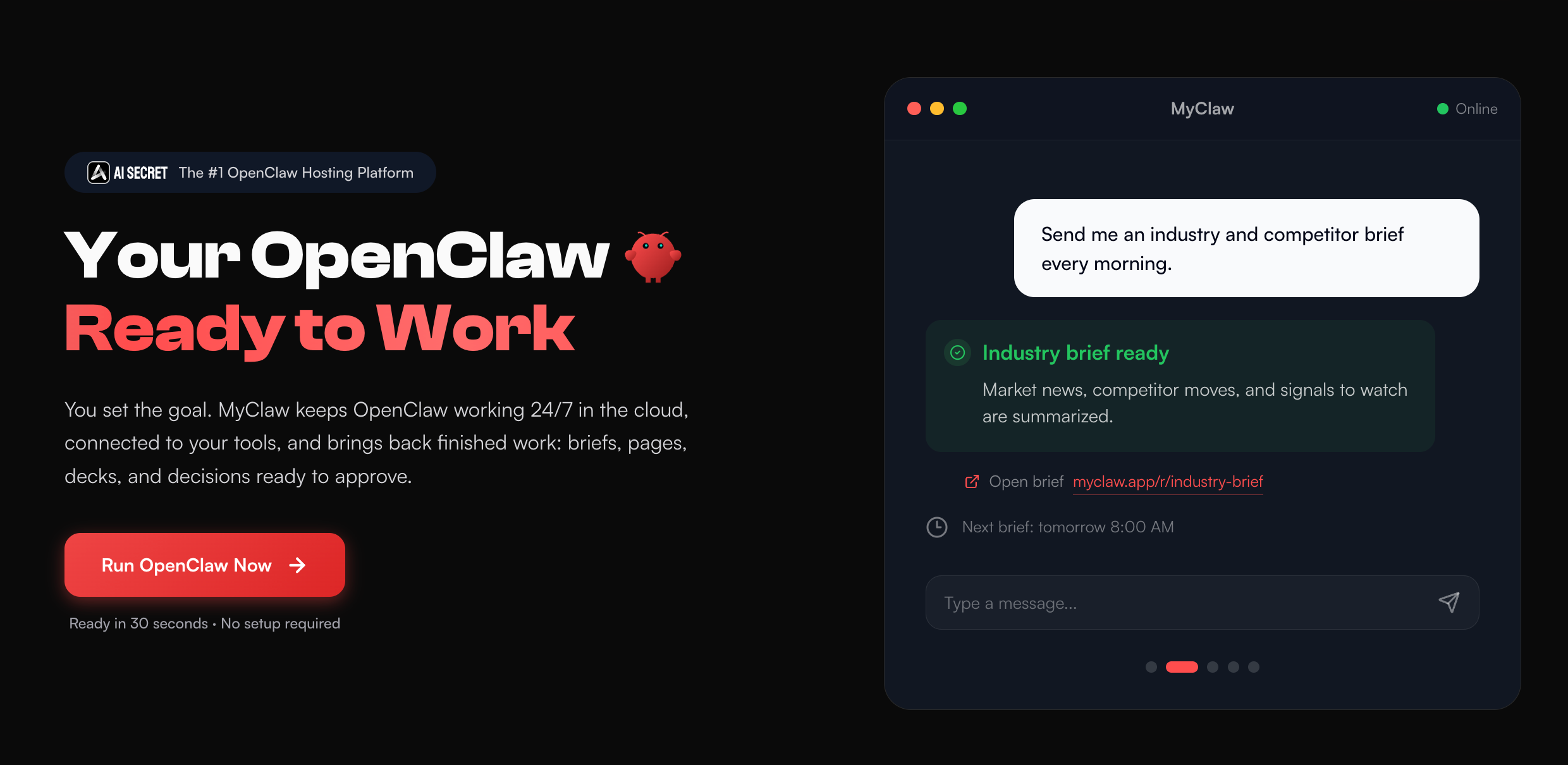 For this kind of setup, AgentCellar hosts private OpenClaw instances so you can run an always-on AI assistant without setting up servers, Docker, dependencies, updates, or infrastructure. Instead of building a single flow or delegating only inbox-style work, you get a private OpenClaw environment for browser control, files, code tasks, app integrations, and recurring workflows.
For technical teams, skills make this more useful. A skill can give an agent a focused capability, such as GitHub work, structured research, or a repeatable operational routine. A GitHub skill, for example, is closer to giving the agent a specialized work habit than adding one more generic app connector.
Final Decision Guide
Pick Lindy When
- You want help with email, meetings, scheduling, CRM, sales, support, or follow-ups.
- You prefer instructions and templates over designing workflows.
- Your work fits common business assistant patterns.
- You want less setup and can accept less visible control.
Pick Gumloop When
- You want a visual workflow builder.
- You need scraping, enrichment, document processing, content pipelines, or repeatable AI data workflows.
- You want to inspect and adjust each step.
- You are willing to maintain the flow as inputs change.
Pick an Always-On AI Agent When
- The work needs browser access, files, code, APIs, and long-running context.
- The task is hard to turn into a fixed flow.
- You want a private AI environment that stays online.
- You want OpenClaw-style agent work without self-hosting.
Conclusion
The Lindy vs Gumloop decision becomes much clearer when you stop treating them as interchangeable AI automation tools. Lindy is closer to a business assistant. Gumloop is closer to a visual AI workflow builder.
If your work lives in inboxes, meetings, CRM updates, support messages, and follow-ups, Lindy is likely the cleaner first test. If your work involves scraping, enrichment, documents, research, SEO workflows, or repeatable AI pipelines, Gumloop is likely the stronger fit.
The harder call is knowing when neither category is enough. Some work needs an AI agent with its own environment: browser access, files, tools, memory, and time to keep working. For that kind of work, a hosted OpenClaw setup through AgentCellar gives you a different path: not another workflow canvas, but an always-on AI agent you can actually put to work.
Ohita asennus. Käynnistä OpenClaw nyt.
AgentCellar tarjoaa täysin hallinnoidun OpenClaw (Clawdbot) -agentin — aina verkossa, ilman DevOps-työtä. Tilaukset alkaen 19 $/kk.