Best MiniMax Alternative for AI Agents, Coding, and Automation

Von Julian Brooks
AgentCellar Redaktion
AgentCellar
OpenClaw jetzt starten
Sehen Sie, wie Hosting, Automatisierung, Zahlungen, Support und OpenClaw-Betrieb in einem verwalteten Produkterlebnis zusammenkommen.
AI Takeaway
- Best overall MiniMax alternative: ChatGPT, Claude, and Gemini are the safest mainstream picks for everyday AI work, but the right choice depends on whether you need a model, an agent, or a full workspace.
- Best MiniMax M2 alternative: For coding and agentic workflows, compare Claude, GPT, Gemini, GLM, Kimi, Qwen, and DeepSeek on real repos, tool use, speed, and cost.
- Best MiniMax M3 alternative: For long-context work, do not stop at context size. Look at retrieval quality, multimodal input, tool calling, and long-task reliability.
- Best MiniMax Agent alternative: If you need browser control, files, terminal access, scheduling, and background execution, compare agent runtimes rather than only model APIs.
- Best practical path for persistent agents: If you want an AI agent that keeps working after your laptop closes, a hosted OpenClaw workspace like AgentCellar can be more useful than swapping one model for another.
What a MiniMax Alternative Should Actually Replace
MiniMax is not just one thing. It includes model APIs, coding models, multimodal tools, MiniMax Agent, and newer M-series models built for agentic work. A useful comparison starts with the job you want to move.
| Need | What to Compare |
|---|---|
| Cheaper or stronger model API | Quality, price, speed, context, API compatibility |
| Coding assistant | Repo understanding, test generation, terminal behavior |
| Long-context research | Retrieval quality, citations, PDFs, web context |
| AI agent workspace | Browser, files, terminal, app access, scheduling |
| Self-hosted control | Open weights, deployment cost, inference stack |
If you only need a better chat model, the answer is simple. If you need an agent that opens websites, reads files, runs code, checks results, and repeats the loop, the model is only one layer of the system.
Where MiniMax Is Strong
MiniMax deserves a real comparison. Its strongest recent positioning is affordable, agent-ready models plus a workspace-style agent product.
MiniMax M2: Efficient Coding and Tool Use
MiniMax M2 is aimed at coding and agentic workflows. Its appeal is not only intelligence. It is the idea of a model that can support fast plan-act-check loops without making every coding run expensive.
When comparing it with Claude, GPT, Gemini, GLM, Kimi, Qwen, or DeepSeek, test the same work you actually do: fix a bug, add tests, migrate an API route, or explain a failed build. Benchmark charts help, but agentic coding quality shows up in real repos. For a deeper model-specific comparison, see MiniMax M2 vs M3.
MiniMax M3: Long Context, Multimodality, and Agent Tasks
MiniMax M3 pushes into a bigger category: frontier coding, native multimodality, and up to a 1M-token context window. That makes it relevant for large codebases, long research folders, technical PDFs, UI screenshots, and multi-step tasks.
The catch is that long context is not magic by itself. A huge window helps only when the system knows what to put inside it. For coding, the best agent is often the one that selects the right files, not the one that blindly stuffs in the whole repo.
So a MiniMax M3 alternative should be judged on retrieval, tool calls, images, tables, code execution, and long task stability. The MiniMax M3 overview covers the model angle in more detail.
MiniMax Agent: More Than a Chatbot
MiniMax Agent is closer to a workspace than a simple chat app. It can help with coding, browsing, presentation work, research, and multi-step tasks. A chatbot helps you think. An agent needs to operate tools, recover from errors, and finish work in an environment.
Best MiniMax Alternatives by Use Case
There is no universal winner. The best choice depends on whether you are replacing MiniMax as a model provider, coding assistant, long-context system, or agent workspace.
ChatGPT for General AI Work
 ChatGPT is the most flexible everyday alternative. It is strong for writing, planning, analysis, coding help, file work, image understanding, and general productivity. Choose it when you want one assistant for many kinds of work. If the task requires persistent execution, evaluate the agent system too.
Claude for Writing, Reasoning, and Code Review
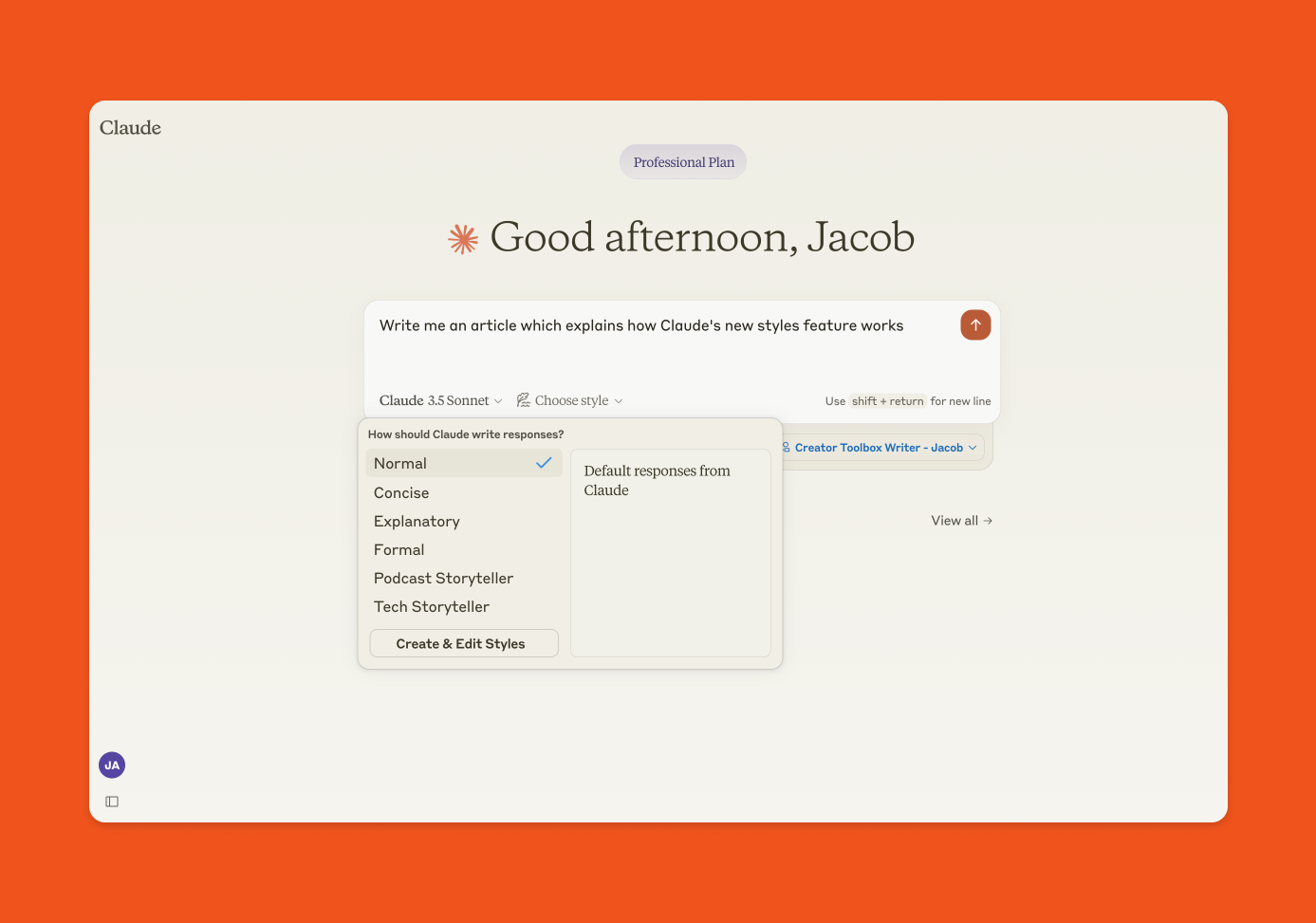 Claude is strong for careful reasoning, long-form writing, refactoring, code explanation, and review work. For coding agents, compare it with MiniMax on repo performance, cost, rate limits, and tool behavior.
Gemini for Google Workspace and Multimodal Tasks
 Gemini makes sense when your work lives inside Google tools or depends on multimodal input. It is also a serious option for long-context workflows and document-heavy analysis. If your agent needs to operate outside Google surfaces, compare the surrounding tools carefully.
Open Models for Control and Cost
Qwen, GLM, Kimi, DeepSeek, and other open or semi-open models are good alternatives when you care about deployment control, lower cost, customization, or avoiding full dependence on one vendor. The tradeoff is operational work: routing, inference, evaluation, security, and failure recovery.
OpenClaw and Agent Workspaces for Real Execution
If the goal is autonomous work, the better comparison is OpenClaw, Manus-style agents, browser automation tools, coding agents, and hosted workspaces.
OpenClaw is relevant because it is designed around an AI assistant that can use apps, browse, manage files, automate workflows, and connect to tools. If your main use case is software work, the AI coding agent use case shows what an agent needs beyond model intelligence.
MiniMax M2 Alternatives: What to Compare
A MiniMax M2 alternative should be evaluated like a working coding model, not like a generic chatbot.
Test Real Repositories
Use your own repo if possible. Ask the model to:
- Fix a failing test
- Add coverage for an existing module
- Refactor a messy component without changing behavior
- Explain a build error and patch the cause
- Review a pull request and identify risky changes
The best model respects project structure, follows local conventions, and checks its work. A flashy answer is less useful than a correct patch.
Watch the Tool Loop
Agentic coding depends on the loop: plan, inspect, edit, run, verify, adjust. When comparing M2 alternatives, watch how the model behaves after it is wrong. Does it read the error? Inspect the right file? Make a smaller fix, or thrash the codebase?
Count the True Cost
Price is not only token cost. It is failed attempts, rate limits, waiting time, and how often a human has to step in. A pricier model can be cheaper if it finishes cleanly. A cheaper model can be better if you run many parallel experiments.
AgentCellar bietet Ihnen einen vollständig verwalteten OpenClaw (Clawdbot)-Agenten — immer online, kein DevOps. Pläne ab $19/Monat.
Jetzt startenMiniMax M3 Alternatives: What to Compare
MiniMax M3 changes the comparison because it brings long context, multimodality, and agentic tasks into one conversation.
Long Context Needs Good Selection
A 1M-token window is powerful for large repos, research folders, transcripts, logs, and technical documents. But an agent still has to know what matters. Can it find the right files before editing? Can it separate useful sources from noise? Can it avoid dragging stale context into every decision?
Multimodal Work Needs a Usable Interface
Multimodality matters when the task includes screenshots, diagrams, UI states, charts, videos, PDFs, or scanned documents. But the interface matters as much as the model. Test the whole path: upload, inspect, act, verify, and revise.
Long-Horizon Tasks Need Persistence
Long tasks are where model comparisons turn into workspace comparisons. If an agent is expected to run for hours, monitor changes, or revisit work tomorrow, it needs files, credentials, browser sessions, logs, scheduled jobs, and a way to report back.
MiniMax Agent Alternatives: Choose the Runtime, Not Just the Model
The most important question for an AI agent is simple: where does the work happen?
Browser, Terminal, Files, and Apps
An agent that can only chat is limited. A useful workspace agent should browse websites, inspect files, run commands, use APIs, connect to SaaS tools, and check results. The SEO AI agent use case shows the pattern clearly: collect inputs, compare pages, prioritize fixes, and repeat the workflow.
Background Execution
Agents become more valuable when they can keep working in the background. That is the difference between "help me with this task" and "watch this area of my work and tell me when something changes."
Useful background tasks include monitoring competitor pricing pages, reviewing pull requests, checking SEO drops, summarizing important emails, watching changelogs, and refreshing research briefs. If the agent disappears when your laptop sleeps, it is not really always on.
Privacy and Isolation
Agent work often touches sensitive data: repos, browser sessions, customer messages, internal docs, calendars, and credentials. A serious alternative should explain where the agent runs, how access is isolated, and what happens to your data.
A Practical Option: Hosted OpenClaw for Persistent AI Agents
 If you only need a model API, choose the model with the best mix of quality, cost, and speed. MiniMax may still be a good choice. Claude, GPT, Gemini, Kimi, Qwen, GLM, and DeepSeek may also make sense.
But if the real goal is a working AI agent, the better question is: where can my agent run, connect tools, and keep working?
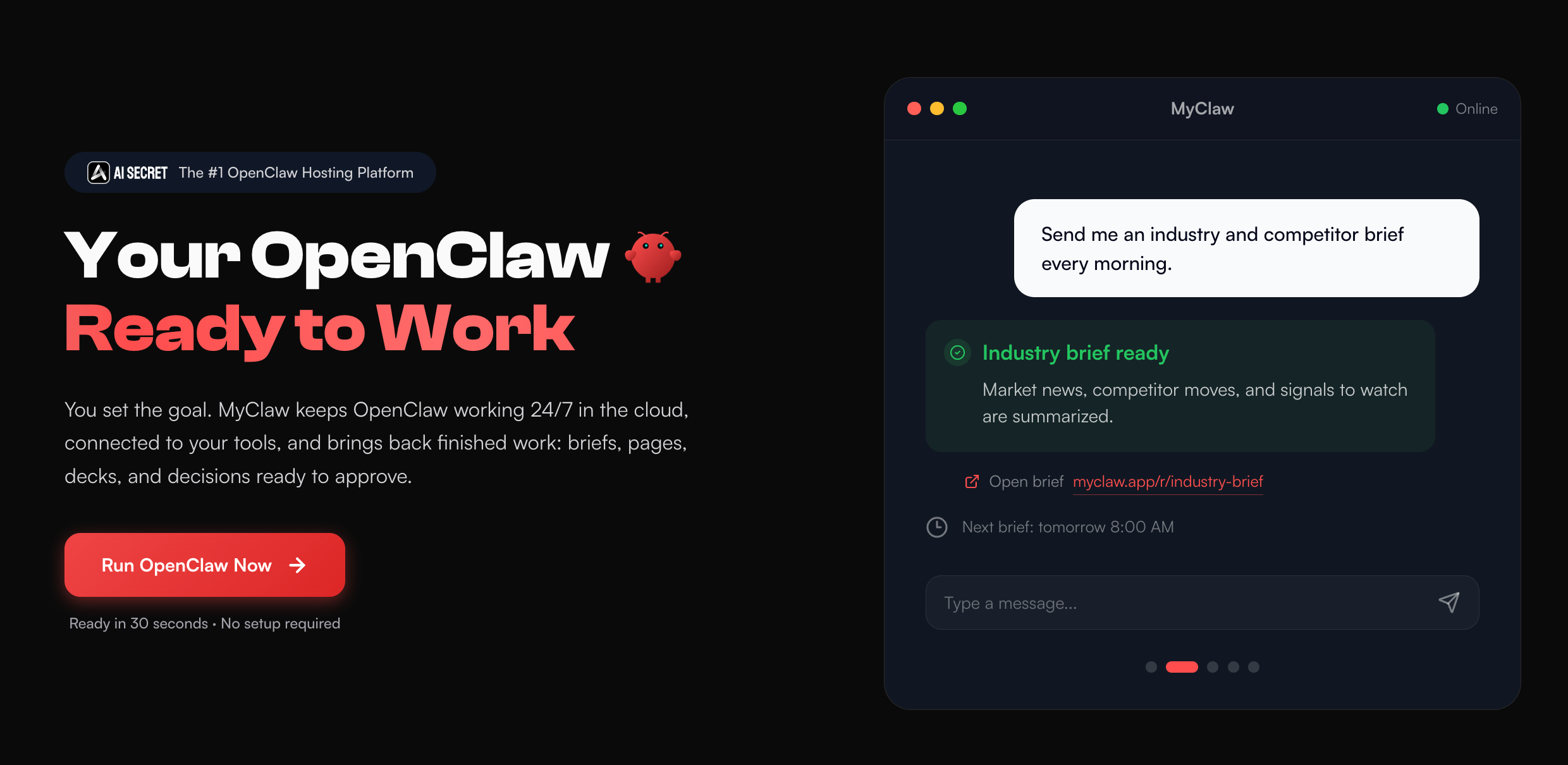
That is where hosted OpenClaw becomes useful. OpenClaw gives the agent a practical environment for browser tasks, app workflows, files, integrations, and automation. AgentCellar hosts that environment so you do not have to set up servers, maintain updates, or keep a local machine running. It gives you a private, isolated OpenClaw instance that stays online, with plans starting at $19/month.
AgentCellar is not just a MiniMax model replacement. It is a managed workspace where you can run persistent agents and choose from multiple model providers, including MiniMax. You can use MiniMax where it is strong and still keep the agent runtime independent from any single model.
This fits workflows like:
- "Check these competitor pages every morning and summarize meaningful changes."
- "Review new GitHub PRs and draft comments before standup."
- "Research this market weekly and update a living brief."
- "Run an SEO agent that turns crawl exports and ranking changes into prioritized tasks."
If you want a broader view of always-on agents, the guide to AI agent platforms is a helpful next step.
How to Choose the Right MiniMax Alternative
Use this simple decision path.
Choose a Model Alternative If
You mainly need better answers, cheaper API calls, stronger coding output, a different context window, or more deployment control. Good fit: Claude, GPT, Gemini, GLM, Kimi, Qwen, DeepSeek, or other open models.
Choose an Agent Alternative If
You need a tool that can browse, code, use apps, handle files, and complete multi-step tasks with less hand-holding. Good fit: MiniMax Agent, OpenClaw, Manus-style agents, coding agents, and browser-based automation agents.
Choose a Hosted Workspace If
You need the agent to run continuously, keep state, use connected tools, and work while your local machine is offline. Good fit: hosted OpenClaw through AgentCellar, especially for recurring workflows like coding review, SEO monitoring, research, and business automation.
Conclusion
The best MiniMax alternative depends on what you are replacing.
If you want a model, compare Claude, GPT, Gemini, GLM, Kimi, Qwen, DeepSeek, and open-weight options by quality, context, tool use, price, and deployment control. If you want a MiniMax M2 alternative, test coding workflows in real repos. If you want a MiniMax M3 alternative, look beyond the 1M context headline and test long-context reliability, multimodal work, and agent stability.
If you want a MiniMax Agent alternative, compare the runtime. Can it browse? Can it use files and terminals? Can it keep working? Can it run safely around your real tools?
For many practical workflows, the answer is not just a different model. It is a persistent agent workspace. MiniMax can be part of that stack. So can Claude, GPT, Gemini, and open models. A hosted OpenClaw setup like AgentCellar turns those model choices into an always-on environment where the agent can actually do the work.
Überspringen Sie die Einrichtung. Starten Sie OpenClaw jetzt.
AgentCellar bietet Ihnen einen vollständig verwalteten OpenClaw (Clawdbot)-Agenten — immer online, kein DevOps. Pläne ab $19/Monat.