
Microsoft Scout Review: What It Is, Who Can Use It, and the Best Alternatives

Von Olivia Hart
AgentCellar Redaktion
AgentCellar
OpenClaw jetzt starten
Sehen Sie, wie Hosting, Automatisierung, Zahlungen, Support und OpenClaw-Betrieb in einem verwalteten Produkterlebnis zusammenkommen.
AI Takeaway
- Microsoft Scout is an always-on AI agent, not just a Copilot chat box. It can work across files, browser tasks, shell commands, and Microsoft 365 context.
- Scout is still early. Microsoft describes it as a Frontier preview feature, so access, capabilities, admin controls, and pricing may change.
- The OpenClaw connection matters. Scout takes the OpenClaw-style agent idea and wraps it in Microsoft's workplace identity, policy, and compliance model.
- Fit matters most. Scout is strongest for Microsoft 365 workflows. OpenClaw is more flexible. Managed OpenClaw hosting makes sense if you want an agent running now without server maintenance.
Quick Verdict
Microsoft Scout is a clear sign that AI agents are moving from "ask me anything" chat boxes into software that can work across a digital environment. Microsoft describes the Microsoft Scout AI experience as a desktop application for Windows and macOS that can read and write files, run commands, control a browser, query Microsoft 365 data, and keep working in the background with approval checks for sensitive actions.
That is a serious jump from normal AI assistants. The Microsoft Scout agent should be judged by harder questions: what systems can it touch, what actions require approval, how is identity handled, can admins govern the agent, and what happens when it reads untrusted content?
The early verdict is promising, with clear limits. Scout looks most compelling for teams already living inside Outlook, Teams, OneDrive, SharePoint, Word, Excel, and PowerPoint. But it is still a preview, and its value depends heavily on Microsoft 365 access. If you want an open, configurable, always-on agent outside that ecosystem, OpenClaw or hosted OpenClaw may be the better near-term Microsoft Scout alternative.
What Microsoft Scout Actually Does
 Scout is best understood as an agent runtime with a familiar Microsoft wrapper. You give it a task, it chooses tools, works through steps, asks for approval when needed, and returns the result or saves work into your workspace.
It Works Across Files, Browser, Shell, and Microsoft 365
Scout can work with local files, Office documents, browser tasks, shell commands, email, calendar, Teams messages, OneDrive files, and meetings. A meeting-prep task might require calendar context, related files, recent email threads, an agenda draft, and a saved document.
The more capable Scout becomes, the more sensitive its access becomes. An agent that only answers questions is low-risk. An agent that can read files, execute commands, and act inside work accounts needs a real trust model.
It Is Built Around Background Work
The biggest shift is persistence. Microsoft describes heartbeat-style check-ins, scheduled automations, condition-triggered tasks, memory, and delegation to sub-agents. Scout is meant to check in, watch for changes, and move routine work forward.
Google is moving in a similar direction with its own always-on agent ideas. For a broader look at that shift, see Gemini Spark vs OpenClaw.
It Has a Skills Model
Scout also uses bundled and custom skills. Microsoft lists skills for Word, Excel, PowerPoint, Loop, and web artifact building, with custom skills through SKILL.md files. Skills teach the agent how to operate in a specific context: document editing, browser automation, research, code review, or workflow reporting.
Why the OpenClaw Connection Matters
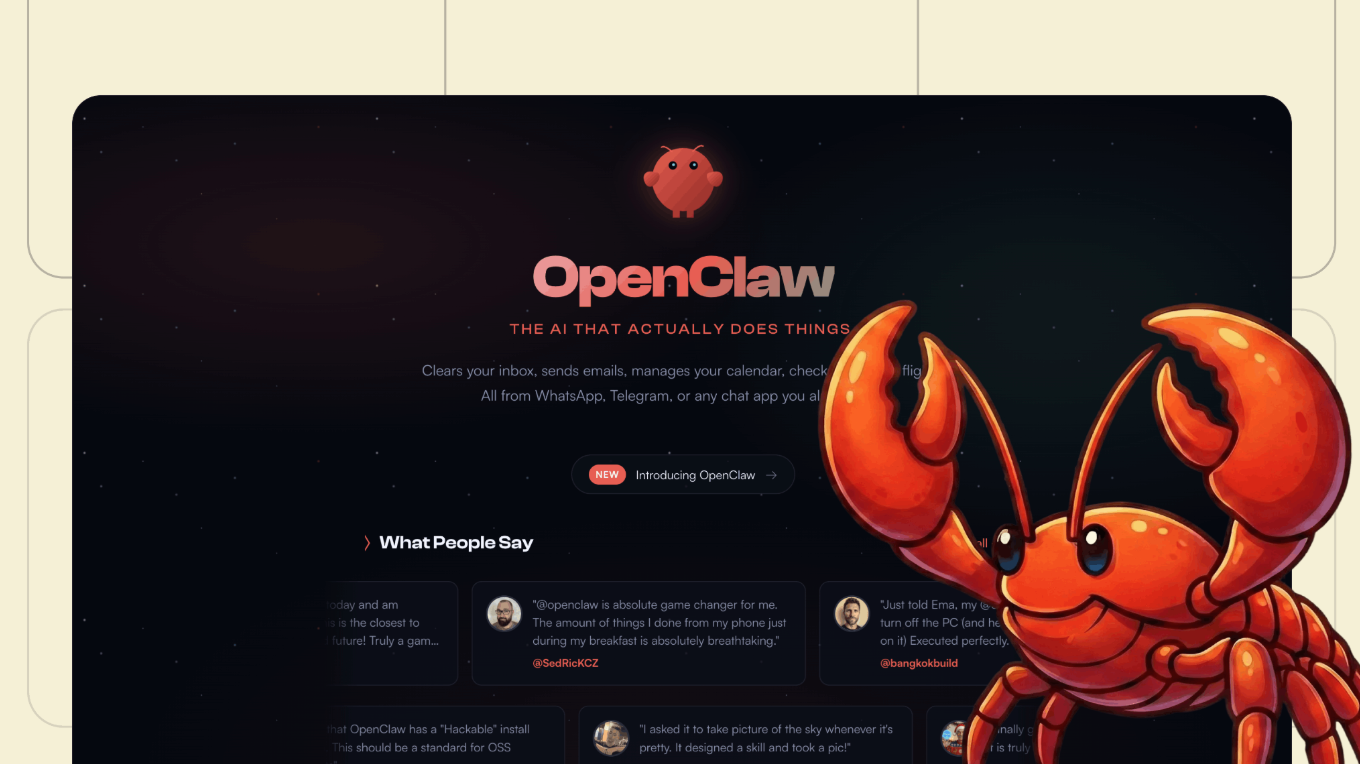 Scout is not happening in a vacuum. OpenClaw made the always-on personal agent idea feel real: a persistent assistant that can use tools, browse, run scripts, manage memory, connect to messaging channels, and complete multi-step work. The Microsoft Scout OpenClaw connection validates the pattern while changing the operating model. OpenClaw starts with openness and flexibility. Scout starts with enterprise control.
OpenClaw Gives Flexibility
An OpenClaw agent can run on a laptop, a VPS, a private machine, or a hosted cloud instance. It can connect to different model providers and custom workflows. That flexibility is the appeal.
The downside is operational responsibility: installation, uptime, credentials, skill safety, updates, network exposure, backups, and monitoring. If the agent touches real data, it is not a weekend toy anymore.
Scout Adds Microsoft Governance
Scout answers a different question: what would an OpenClaw-style agent look like inside a governed Microsoft work environment? Identity, admin controls, policy enforcement, audit logs, and Microsoft 365 context are table stakes for many companies. A team may love autonomous agents and still reject a setup running on an employee's workstation with broad credentials and unclear logs.
AgentCellar bietet Ihnen einen vollständig verwalteten OpenClaw (Clawdbot)-Agenten — immer online, kein DevOps. Pläne ab $19/Monat.
Jetzt startenMicrosoft Scout vs. OpenClaw
| Category | Microsoft Scout | OpenClaw |
|---|---|---|
| Best fit | Microsoft 365 workplace automation | Flexible personal or team automation |
| Access | Frontier preview | Open-source, self-hosted, or hosted |
| Main workspace | Outlook, Teams, OneDrive, SharePoint, Office apps | Browser, files, APIs, chat apps, repos, custom tools |
| Setup | Microsoft-managed | DIY unless hosted |
| Control | Admin and policy model | Infrastructure and model choice |
| Main weakness | Limited availability and ecosystem dependency | Setup, security, and maintenance burden |
The decision is less about which one is "better" and more about where your work lives. Scout fits Microsoft 365. OpenClaw fits mixed systems and custom runtimes.
Access, Pricing, and Current Limits
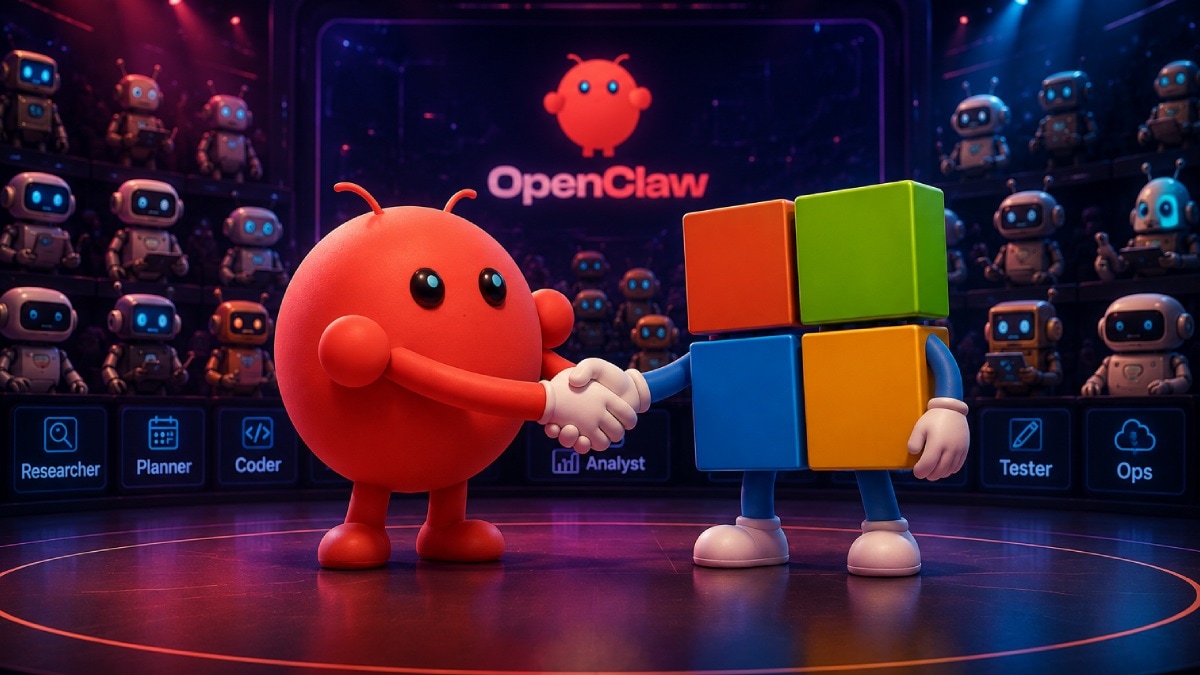 Scout is still early. Microsoft calls it a Frontier preview feature, so access can depend on licenses, admin settings, program eligibility, and preview channel availability. Do not build a workflow plan around Scout until you know your account can use it.
Pricing is also not settled enough to treat Scout like a normal SaaS line item. Until Microsoft publishes stable commercial details, assume Scout is promising but not yet universally available.
The other limit is ecosystem shape. Scout's best workflows are Microsoft-shaped: email, calendar, Office files, Teams, SharePoint, OneDrive, and enterprise controls. If your work is split across Gmail, Slack, GitHub, Notion, Linear, Discord, Airtable, and private dashboards, Scout may not be the cleanest starting point.
Is Microsoft Scout Safe?
Scout enters a category where safety cannot be an afterthought. A capable agent needs access, and that access creates risk. Microsoft's OpenClaw security guidance explains the core problem: self-hosted agents can ingest untrusted text, execute third-party skills, and act with assigned credentials. A malicious webpage, email, document, or skill can influence an agent that has real permissions.
The Real Risk Is Not the Model Alone
Asking whether the AI model is safe is too narrow. Agent risk comes from the combination of model reasoning, tool access, persistent memory, credentials, and runtime behavior. Academic security work on OpenClaw-style systems makes the same point: tool-augmented agents are riskier than the underlying model by itself because multi-step planning and execution can amplify small failures.
Before connecting agents to files, email, APIs, or customer data, read AI Agent Security. The same questions apply whether the product is Scout, OpenClaw, or another agent platform.
Scout's Strongest Safety Argument Is Governance
Scout's advantage is not that agents become harmless. It is that Microsoft can put the agent inside existing identity, policy, and admin systems. Approval prompts, capability controls, audit trails, and tenant-level governance are exactly what this category needs.
That still does not remove the need for boundaries. Limit what Scout can access, keep sensitive actions approval-gated, monitor unusual behavior, and avoid unnecessary permissions.
Best Alternatives to Microsoft Scout
OpenClaw
OpenClaw is the closest option if you are comparing Microsoft Scout alternatives and do not want to wait for Microsoft availability. It is more configurable and less tied to one productivity suite.
It also requires more discipline. Running it on your main laptop is convenient, but a dedicated environment is usually better for persistent work. Best OpenClaw Hosting goes deeper on managed hosting, VPS, and self-hosted tradeoffs.
Managed OpenClaw Hosting
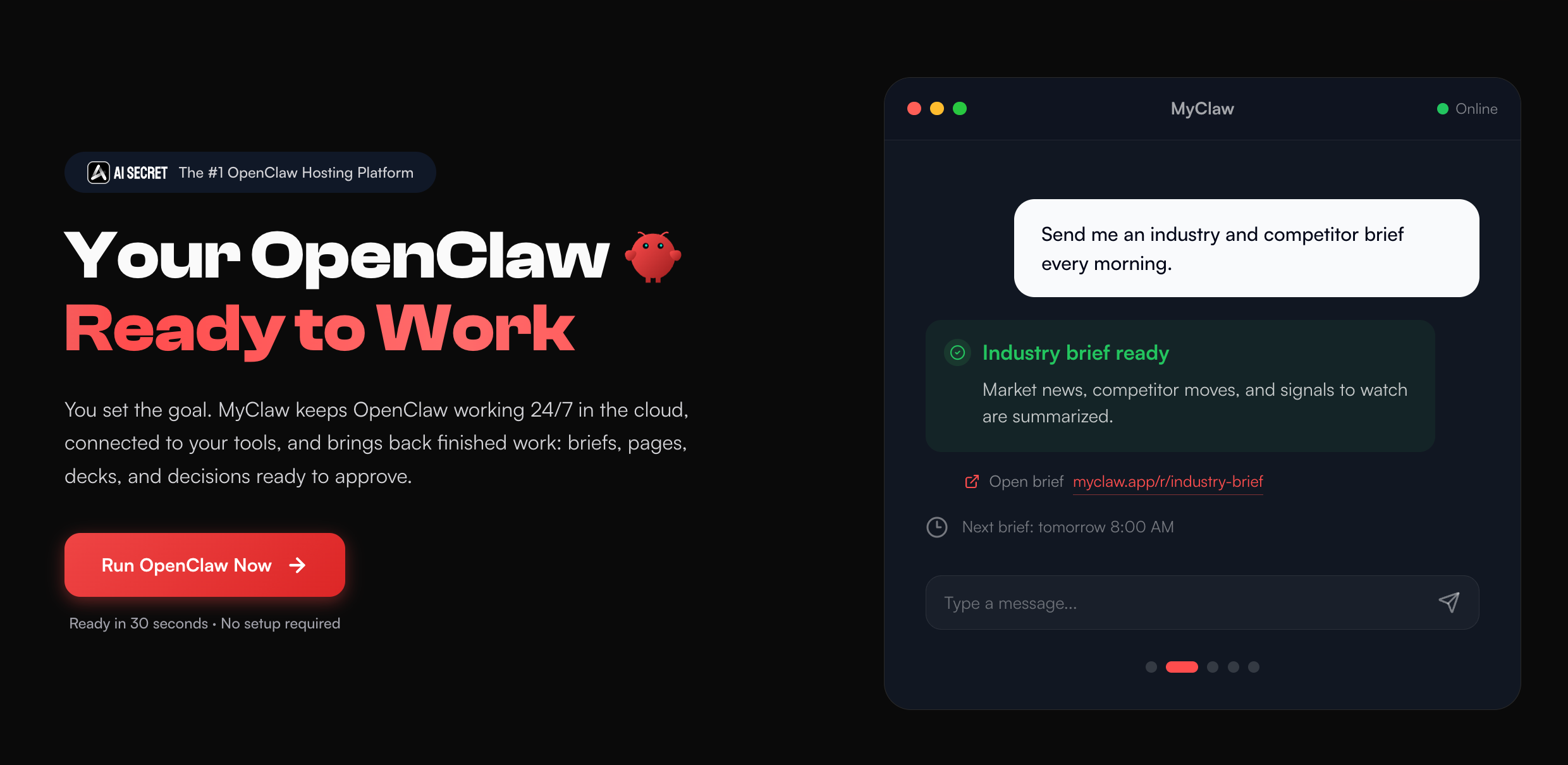 If OpenClaw is appealing but server work is not, managed hosting is the middle path. AgentCellar gives you a private OpenClaw instance that stays online, with setup and maintenance handled.
That matters for recurring workflows: competitor monitoring, inbox triage, research briefs, page watching, scheduled reports, and coding tasks that should keep running after your laptop is closed. The coding agent use case shows how this changes when the agent has a persistent workspace instead of a one-off chat session.
AgentCellar is not trying to turn OpenClaw into Microsoft Scout. The point is different: keep OpenClaw flexible, remove the server burden, and let the agent run continuously in a private environment.
Workflow Automation Tools
Zapier, Make, n8n, Gumloop, and Lindy may be better when you want predictable workflow automation instead of an open-ended personal agent: when X happens, do Y, then update Z.
An agent makes more sense when the work is messy: read context, decide what matters, use a browser, call tools, write a draft, ask for approval, and adapt when the path changes. If the main need is proactive checking, Proactive Agent is close to the Scout-style promise: the assistant notices what needs attention before you spell out every step.
Who Should Use Microsoft Scout?
Scout is a strong fit if your work is already Microsoft-shaped: Outlook, Teams, OneDrive, SharePoint, Word, Excel, PowerPoint, and admin-governed automation. It is a weaker fit if you need access today, work mostly outside Microsoft 365, want model flexibility, or need a custom runtime.
Final Verdict
Microsoft Scout matters because it makes the always-on AI agent feel inevitable. It takes ideas that OpenClaw made exciting and packages them for the Microsoft workplace: files, meetings, email, browser work, commands, memory, approvals, and governance.
But Scout is not universal. It is early, access is limited, and its best use cases sit inside Microsoft 365. If your work spans many tools, or you want an agent you can host, configure, and extend yourself, OpenClaw remains more flexible.
The choice is simple. Use Scout when you want a Microsoft-native agent under Microsoft governance. Use OpenClaw when you want control. Use a managed OpenClaw platform like AgentCellar when you want the agent running continuously without becoming responsible for the server behind it.
Überspringen Sie die Einrichtung. Starten Sie OpenClaw jetzt.
AgentCellar bietet Ihnen einen vollständig verwalteten OpenClaw (Clawdbot)-Agenten — immer online, kein DevOps. Pläne ab $19/Monat.